
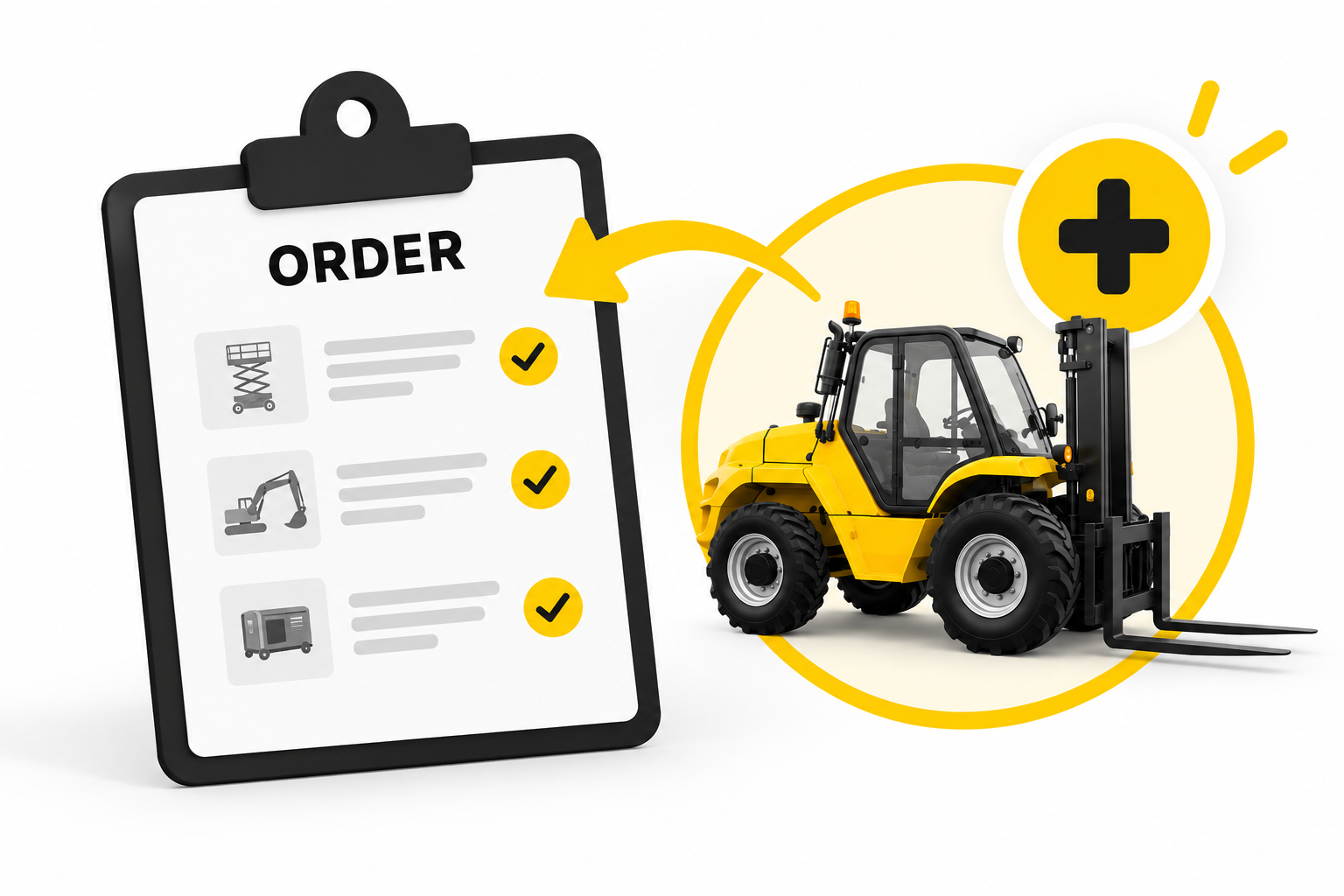
Forgot a machine? Missed an accessory? Or made the wrong selection for one of the machines in a larger request? From now on, you no longer need to create an entirely new order to correct it.
With our latest update, you can add additional equipment and accessories directly to an existing, ongoing order. Everything stays neatly grouped within the same order.
Easily add to an existing order
For any order that has not yet been fully completed, you now have the option to add additional equipment.
This is particularly useful when you:
- forgot a machine or accessory, such as an operator, road plates or an additional machine;
- made an incorrect selection or used the wrong filter for one of the machines in a larger request;
- realise during a project that you need additional equipment.
In these situations, you no longer need to create a separate order or cancel the entire order and start again.
For example, if you requested five machines and one of them is incorrect, you can simply cancel that machine and add the correct one to the same order.
Less administration, better overview
New requests added this way simply appear within your existing order. This keeps the project, location, contact person and related requests together.
When adding to an order, we also automatically carry over as much information as possible from the existing order. This means you don’t have to enter the same details again and reduces the chance of errors.
Available now
The new feature is now available in Bullswap. Open an ongoing order and click “Add to order” next to the plus icon at the top of the order details.
While adding equipment, you’ll clearly see that you’re adding to an existing order. Prefer to start an entirely new request instead? You can switch to a new order with its own order number at any time.
This makes it easier to add to existing orders and correct them when necessary, without unnecessary duplicate work.